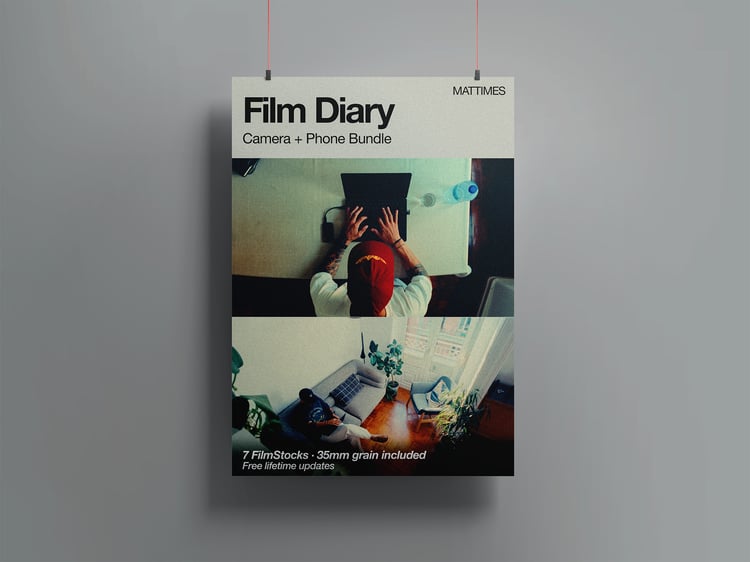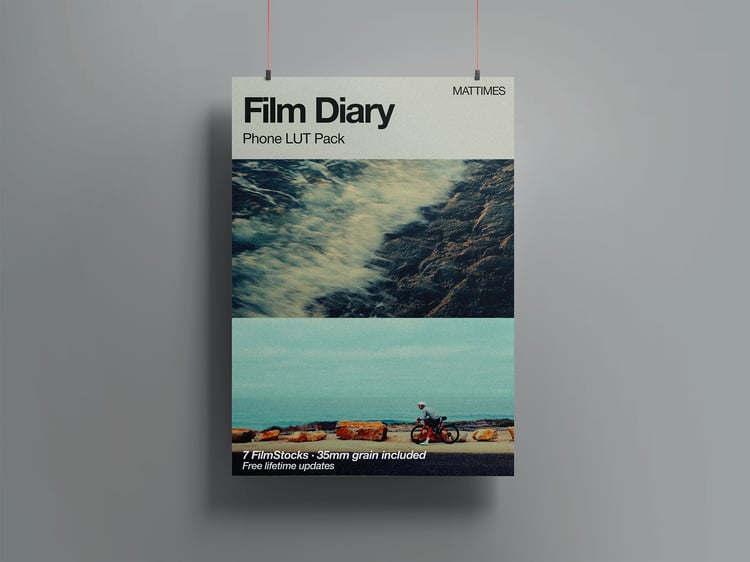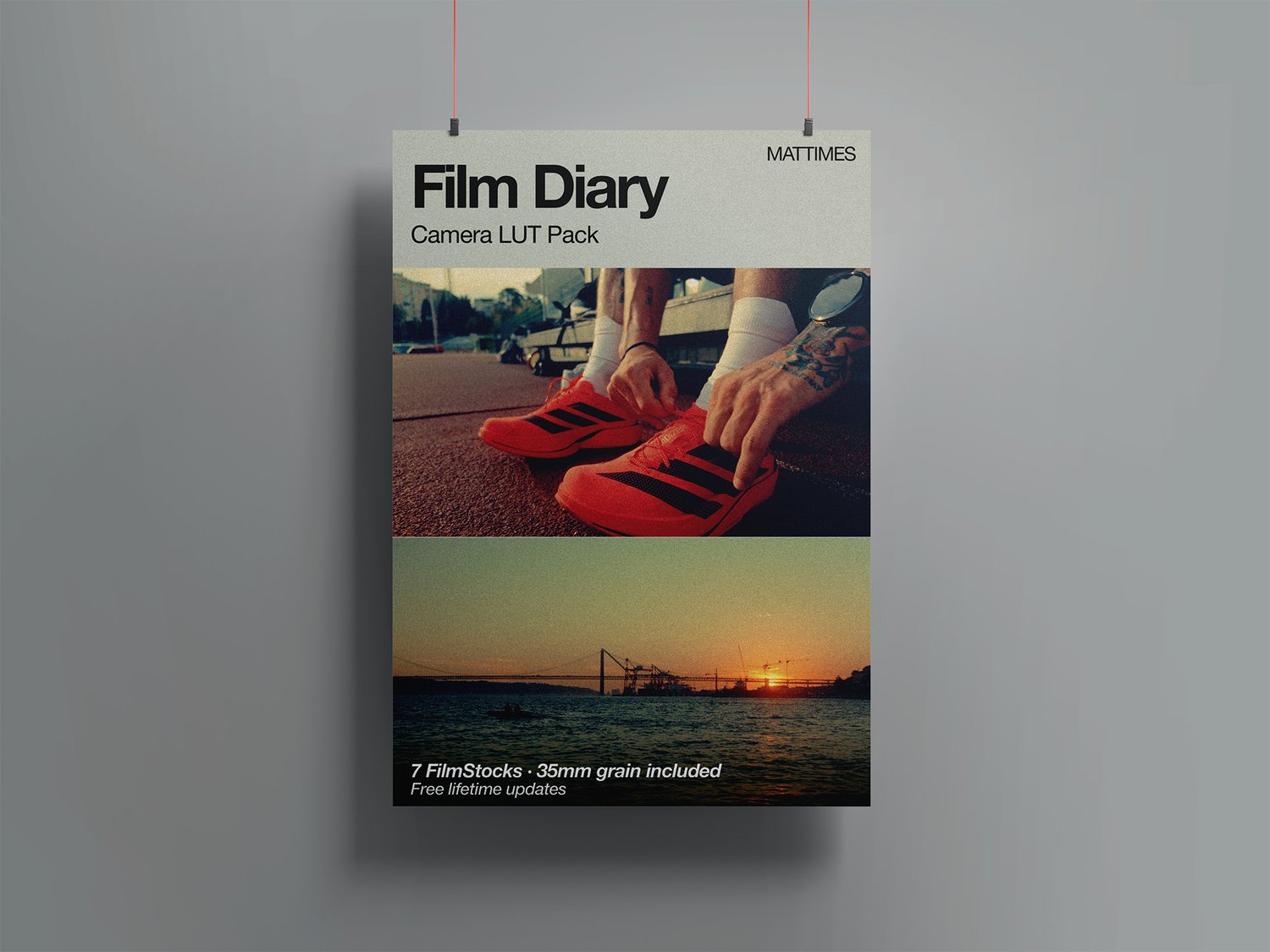





Film Diary - Camera LUT Pack
The film looks I use on every video.
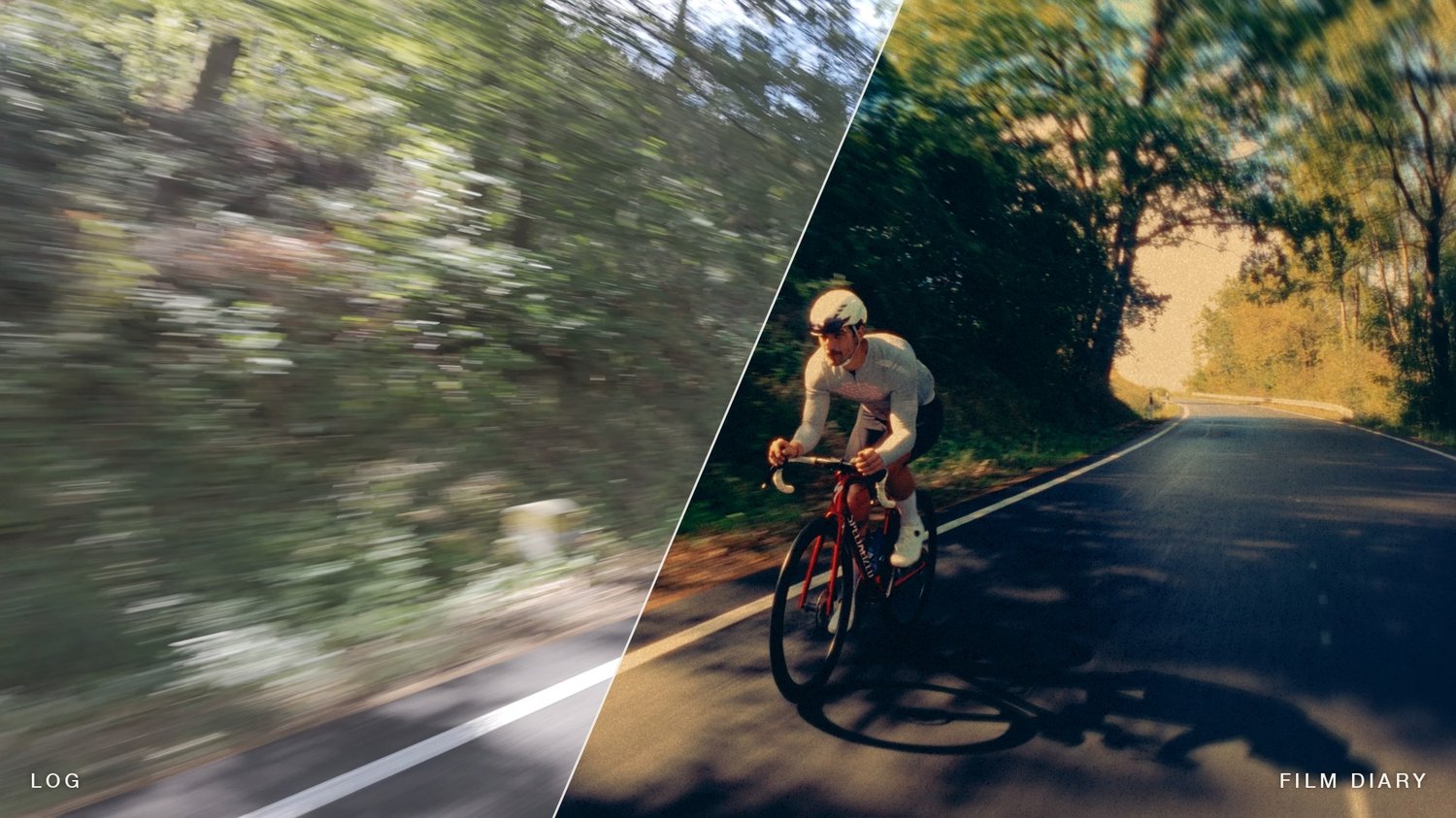
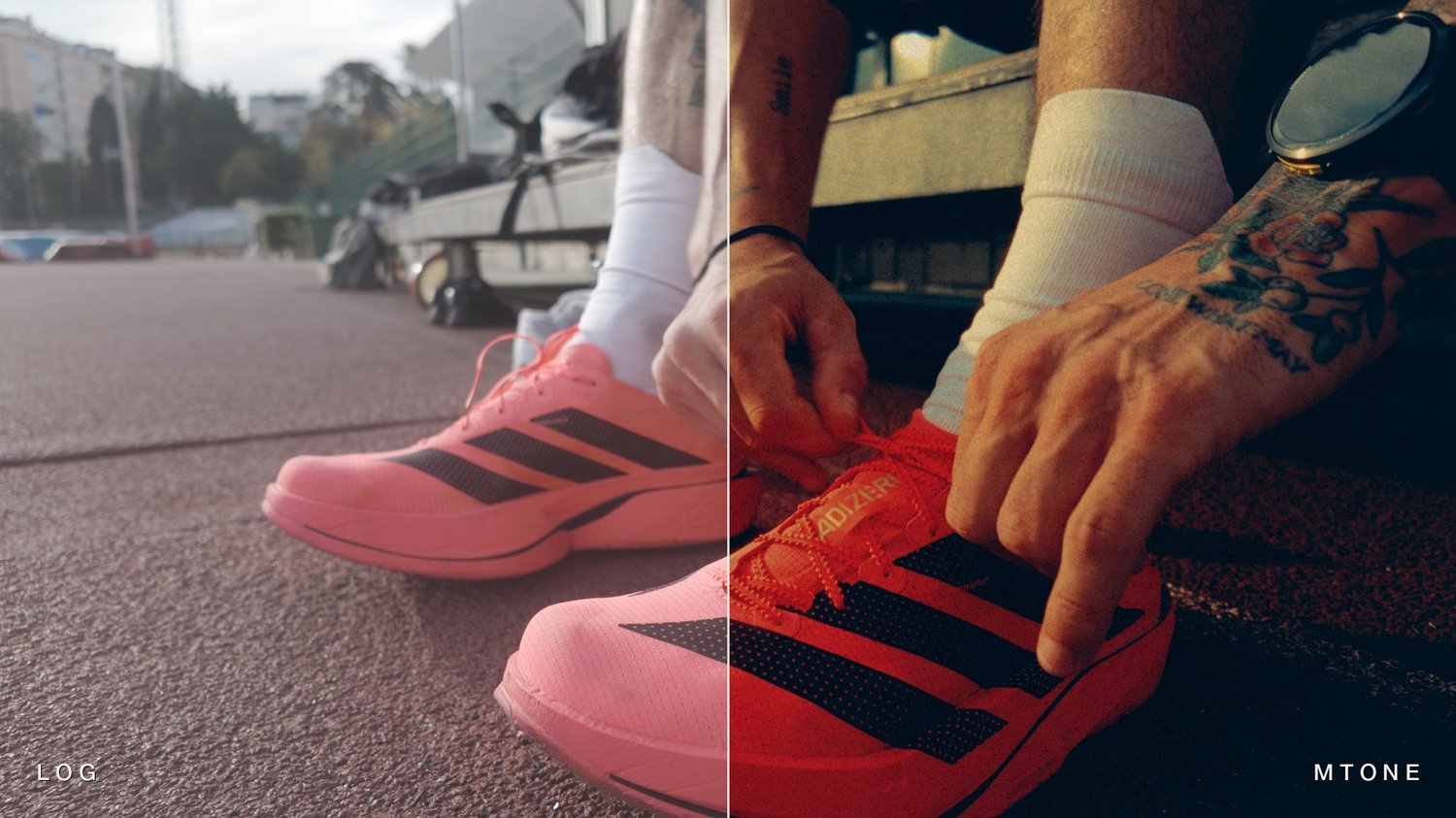
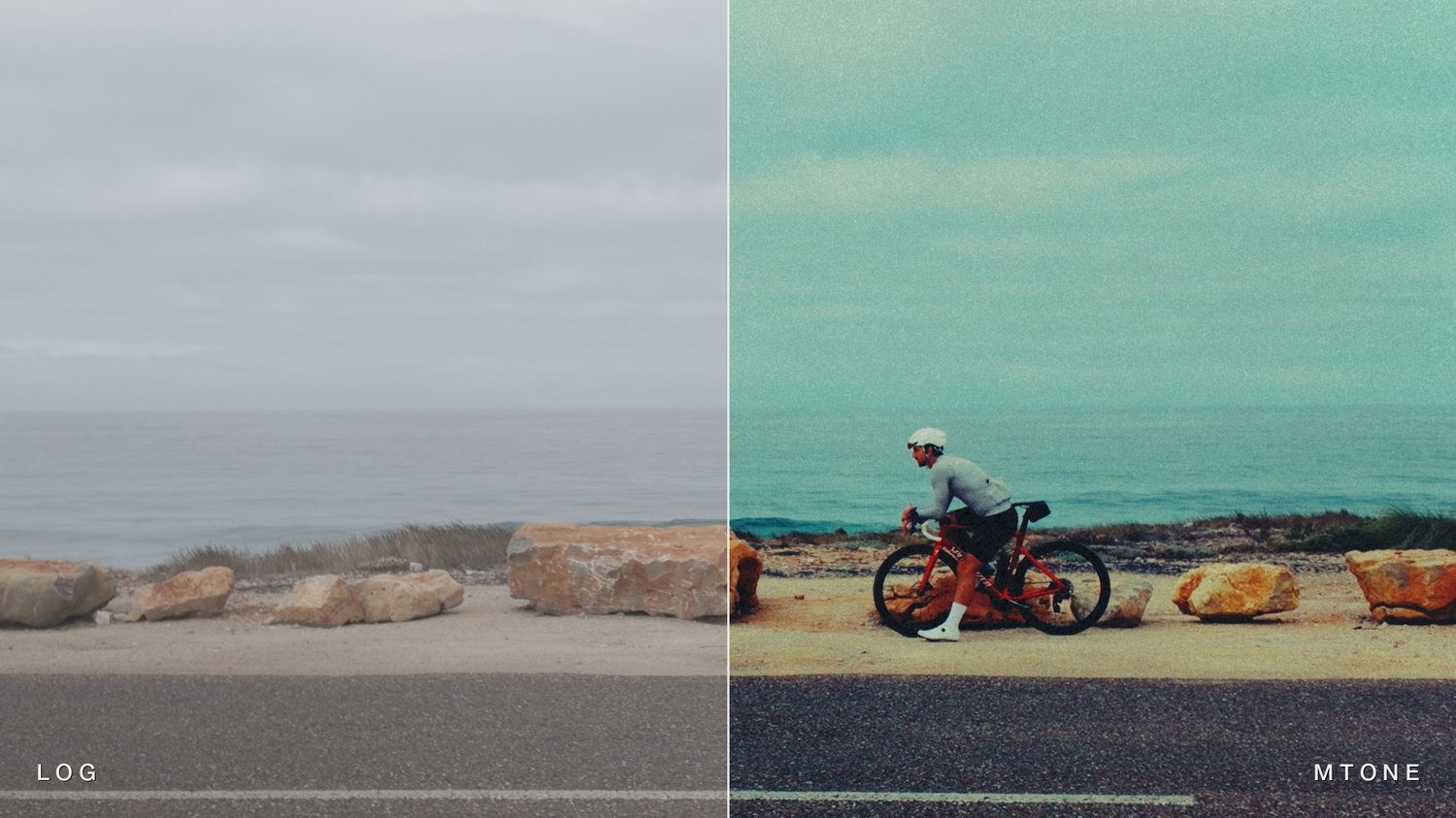
I built it over the years, and now I'm happy to share it with you. Film Diary is seven LUTs, which I call FilmStocks, each with its own film feel.
Why use LUTs?
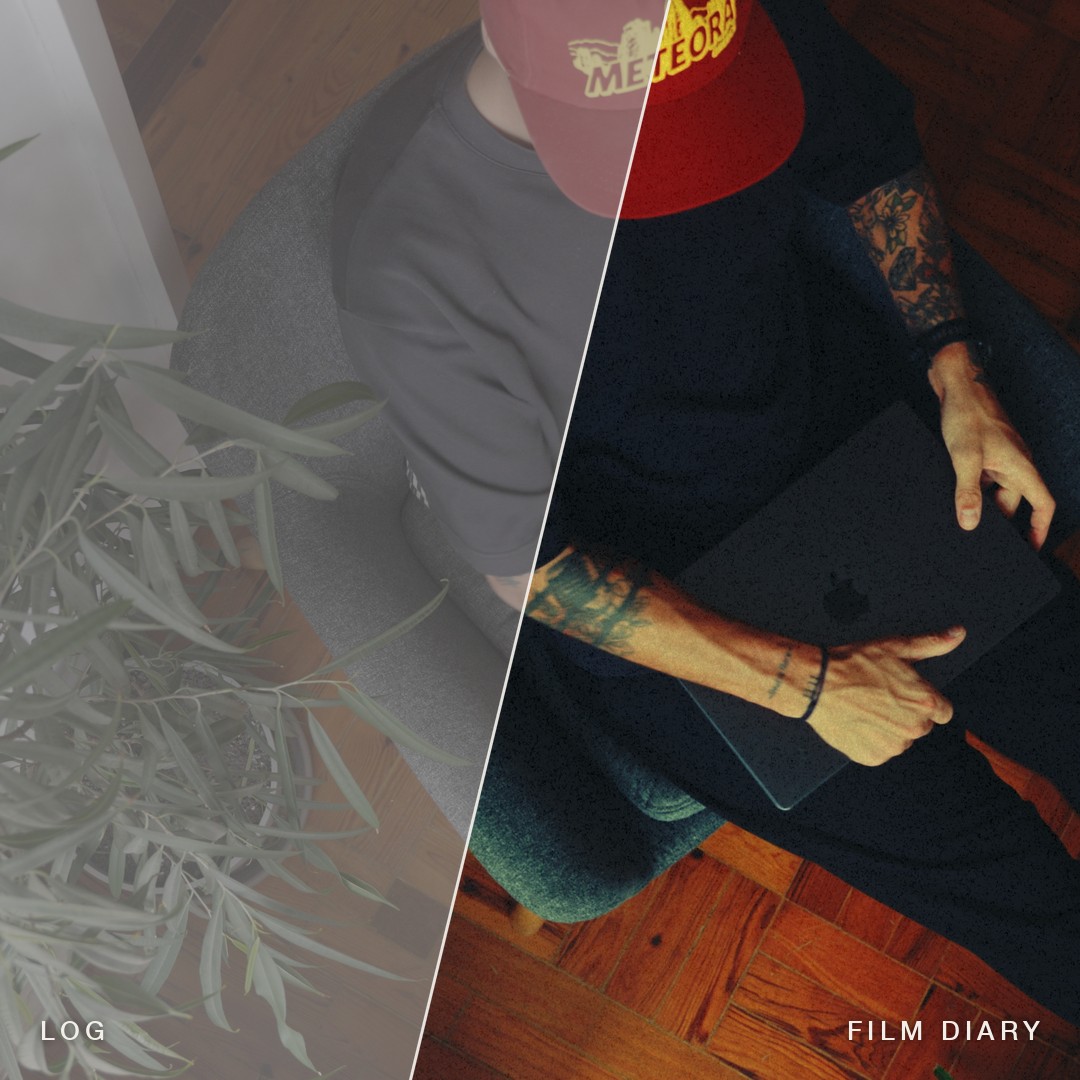
A LUT (Look-Up Table) is a ready-made color grade. Apply it in one click, and your footage gets a cinematic look with rich contrast and filmic colors, without hours of grading every clip yourself.
- Save time. Start every edit with a quality look instead of a blank grade.
- One consistent style. Give your whole project the same style, so everything feels like it belongs together. Make your work stand out, even without years of color grading experience.
- A better starting point. You still keep full control over exposure, white balance and contrast.
How it works
Film Diary works with footage from any camera.
- Shot in log? Apply your camera's own conversion LUT first (log to Rec.709). Most brands offer it for free on their website.
- Fix exposure and white balance.
- Add a FilmStock.
- Fine-tune the contrast and the strength.
Shot normal video? Skip step 1. The install guide walks you through every step, for every editor.
What's inside
- 7 FilmStock LUTs (.cube), made for Rec.709
- 2 real 35mm film grain overlays (Fine and Coarse, 4K)
- An install and quick start guide (PDF) for every editor below
- Video walkthrough: how I grade my footage with Film Diary, step by step (19 min)
Works in
DaVinci Resolve · Premiere Pro · Final Cut Pro · CapCut (desktop), and any editor that reads .cube files.
Free lifetime updates
Film Diary keeps growing. When I add a new FilmStock or improve one, you get it for free, forever. You'll get an email when there's an update.
Good to know
A LUT isn't magic. It gives your footage a look, but it can't fix it. Light, exposure, white balance and composition still do most of the work. Get those right, and Film Diary does the rest.
Licence
Use Film Diary on your own projects and client work, personal and commercial. Please don't share, resell or redistribute the files.
Questions?
Send me a message on Instagram @mattimes_ or email info@mattimes.co. Tag me in what you make. I'd love to see it.
FAQS
Do I need a conversion LUT? Only for log footage from a camera (for example S-Log3, C-Log3, V-Log or D-Log). Download your camera brand's log to Rec.709 LUT, usually free on their website, and apply it before the FilmStock. Normal video and phone video don't need one.
My camera isn't listed. Will it work? Yes. Film Diary works with any camera, as long as you convert log footage to Rec.709 first.
What are free lifetime updates? When I add a new FilmStock or improve one, you can download the new version for free with your original purchase. No extra cost, ever.
Will my footage look exactly like the examples? It will get the same look, but every shot is different. Expose well and fix your white balance first. The guide explains how.
How do I get the files? You get an instant download link after purchase: one zip file with the LUTs, the grain overlays and the guide.
Refunds? Because this is a digital download, refunds aren’t possible once the download is available, unless the files are faulty. See the Refund Policy.